

How Long Does a Mechanical Keyboard Last

Mechanical keyboards are widely celebrated among gamers, PC enthusiasts, and professionals for their tactile feedback, durability, programmable keys, and customizable RGB lighting. Unlike membrane keyboards, mechanical keyboards are built to withstand years of intense typing or gaming while delivering a satisfying and precise keystroke experience.
Wondering how long a mechanical keyboard can last and what affects its durability? This guide breaks down the key factors that determine a keyboard’s lifespan, helping you make smarter purchases, properly maintain your device, and keep it performing at its best for years to come.
The Lifespan of Mechanical Keyboards
The lifespan of a mechanical keyboard primarily depends on the type of switches, build quality, and usage patterns. Most mechanical keyboards are rated for 20 to 100 million keystrokes per switch, which translates to years or even decades of use under normal circumstances.
Switch Durability
- Linear Switches (e.g., Cherry MX Red, Gateron Red): Smooth keypress without tactile bump; typically rated for 50–100 million keystrokes.
- Tactile Switches (e.g., Cherry MX Brown, Zealios): Provide feedback without loud clicks; durability is around 50–80 million keystrokes.
- Clicky Switches (e.g., Cherry MX Blue, Razer Green): Produce audible clicks; usually rated for 50 million keystrokes, but click mechanisms may degrade faster in heavy use.
High-quality switches can last years, even with several hours of daily use, making mechanical keyboards ideal for gamers and professionals.
Build Quality and Materials
Mechanical keyboards are built with durable materials to withstand long-term use:
- Keycaps: PBT keycaps are thicker and more resistant to shine and wear than ABS keycaps.
- Keyboard Frame: Metal or high-grade plastic frames increase structural durability.
- PCB and Stabilizers: High-quality printed circuit boards and well-lubricated stabilizers prevent rattling and maintain tactile consistency.
A well-constructed keyboard resists bending, keycap wear, and switch degradation, contributing to longevity.
Factors Affecting Keyboard Lifespan
While RGB mechanical keyboards are inherently durable, several factors can influence how long they last:
1. Typing and Gaming Habits
Heavy or aggressive typing can reduce the lifespan of switches over time. Gaming keyboards used for fast-paced action games may experience more frequent keystrokes than casual typing, but most mechanical switches are designed to handle millions of actuations without losing responsiveness.
2. Environmental Factors
Dust, crumbs, and liquid spills can damage switches and the PCB. Regular maintenance such as cleaning and dusting can prolong keyboard life.
3. Maintenance and Upgrades
Performing basic maintenance like lubricating switches, replacing keycaps, or installing O-rings can reduce friction and noise while extending lifespan. Regular care ensures consistent tactile feedback and prevents deterioration.
4. Quality of Components
Budget mechanical keyboards may use lower-quality switches and keycaps, which can wear out faster. Investing in reputable brands ensures long-term performance and durability.
Signs Your Mechanical Keyboard Is Aging
Even with high-quality components, keyboards may show signs of wear over time:
- Key Switch Degradation: Keys feel mushy or unresponsive.
- Key Chatter: Multiple inputs registered from a single keypress.
- Keycap Shine or Wear: Legends fading and glossy surfaces from prolonged use.
- Noise Increase: Switches become louder or less smooth.
- RGB or Software Issues: Lighting or macro profiles may fail if the PCB or firmware is affected.
Addressing these issues early with cleaning, switch replacement, or stabilizer maintenance can extend the keyboard’s functional life.
Extending the Lifespan of Your Mechanical Keyboard
Maintaining a mechanical keyboard not only preserves performance but also ensures comfort and precision over the long term.
1. Regular Cleaning
Dust, crumbs, and debris can interfere with switches and key movement. A combination of compressed air, soft brushes, and microfiber cloths keeps the keyboard functioning optimally. Deep cleaning by removing keycaps ensures thorough maintenance.
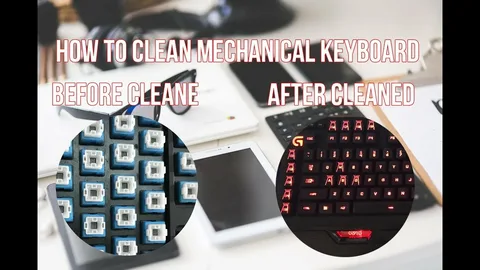
Related read: How to clean mechanical keyboard
2. Reduce Noise and Impact
Installing O-rings, lubricating switches, or using dampened keycaps can minimize wear caused by heavy keystrokes. Reducing the impact prolongs switch life and enhances typing comfort.
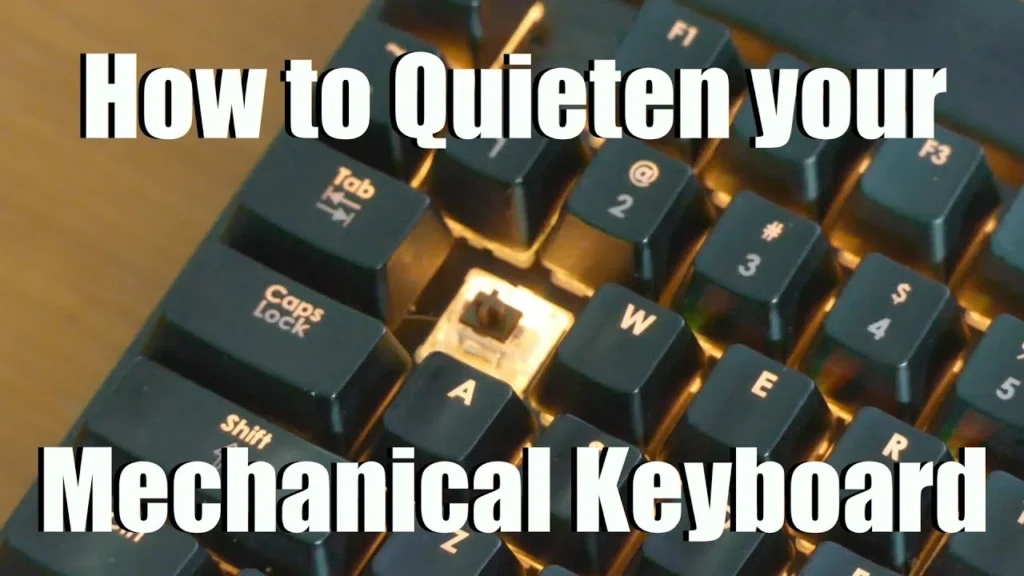
Related read: How to Make a Mechanical Keyboard Quieter
3. Keycap Replacement
PBT keycaps are more durable than ABS and resist shine, cracking, and fading. Replacing worn keycaps restores the typing feel and protects underlying switches.
4. Avoid Spills and Moisture
Liquid damage is one of the main causes of keyboard failure. Using keyboard covers or careful desk placement helps prevent accidental spills. For wireless or gaming keyboards with PCB vulnerabilities, keeping moisture away is essential.
5. Firmware and Software Updates
Many high-end mechanical keyboards have programmable keys, macros, and RGB lighting. Keeping firmware up to date ensures optimal performance and can prevent software-related issues that may mimic hardware degradation.
Are Mechanical or Gaming Keyboards Worth the Investment?
Mechanical keyboards, especially a high-quality gaming keyboard, are generally longer-lasting than membrane keyboards, often outlasting several generations of PCs. Their durability, coupled with customizable keys, ergonomic design, and precision switches, makes them a cost-effective investment for gamers, coders, and typists alike.
Additional benefits include:
- Tactile Feedback: Reduces typing errors and improves response in gaming.
- Programmable Keys: Automate repetitive actions or improve workflow.
- RGB Customization: Personalize aesthetics while enhancing visibility in low-light setups.
- Ergonomic Design: Prevents fatigue during long typing or gaming sessions.
Related read: Why Is a Mechanical Keyboard Better
Average Lifespan Estimates
- Entry-Level Mechanical Keyboards: 20–50 million keystrokes, around 3–5 years with heavy use.
- Mid-Range Mechanical Keyboards: 50–80 million keystrokes, 5–8 years with regular care.
- High-End Mechanical Keyboards: 80–100 million keystrokes, 8–15+ years with proper maintenance.
With careful use and regular maintenance, even budget keyboards can last longer than expected, while high-quality models offer exceptional durability.
FAQs
Can mechanical keyboards last a lifetime?
Yes, with high-quality switches, proper care, and occasional maintenance, a mechanical keyboard can easily last 10 years or more.
Do all switches have the same lifespan?
No, Linear, tactile, and clicky switches have different durability ratings, typically ranging from 20 million to 100 million keystrokes depending on the manufacturer.
Does cleaning affect keyboard longevity?
Yes, Regular cleaning prevents dust and debris from causing switch degradation and ensures smooth performance.
Can heavy gaming reduce lifespan?
While intense gaming increases keypress frequency, most mechanical switches are designed to handle millions of keystrokes, making them suitable for high-speed gaming.
Are high-end mechanical keyboards worth the price for longevity?
Yes, They typically feature superior switches, keycaps, and build quality, ensuring years of consistent performance and durability.